
NOW AVAILABLE
EMBER
A full drive chain in one pedal. Overdrive underneath, fuzz on top, compression holding the whole thing together — from a little heat to completely burned out.
PLAY IT IN YOUR BROWSER → One purchase - Mac, iPad & iPhone
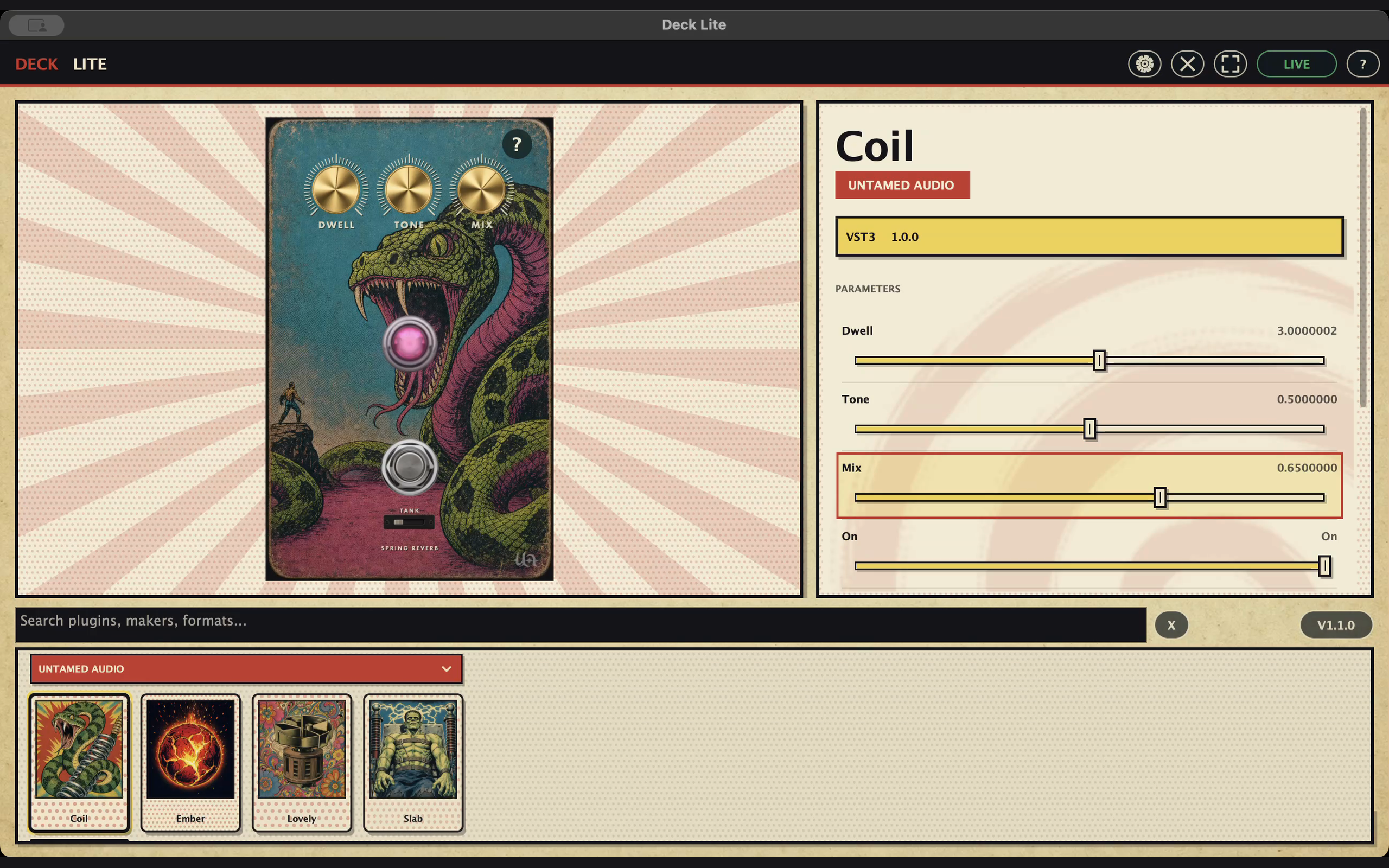
COIL & SLAB
Two reverbs, two pieces of metal: one stretches springs, the other shakes a sheet of steel. Both have an amp hiding inside, and neither behaves quite like a normal reverb. 99¢ each, sold separately. Collect both.

OUT NOW · 99¢

OUT NOW · 99¢
DESKTOP · 99¢
IN DEVELOPMENT
COMING SOON
DESKTOP · 99¢
COMING SOON
COMING SOON
COMING SOON
We make weird little machines for sound.
No subscriptions. No giant bundles. No twenty-page manuals. Just effects we'd want on our own pedalboards — and you can play every one of them before you buy it.
Pick something and make some noise.